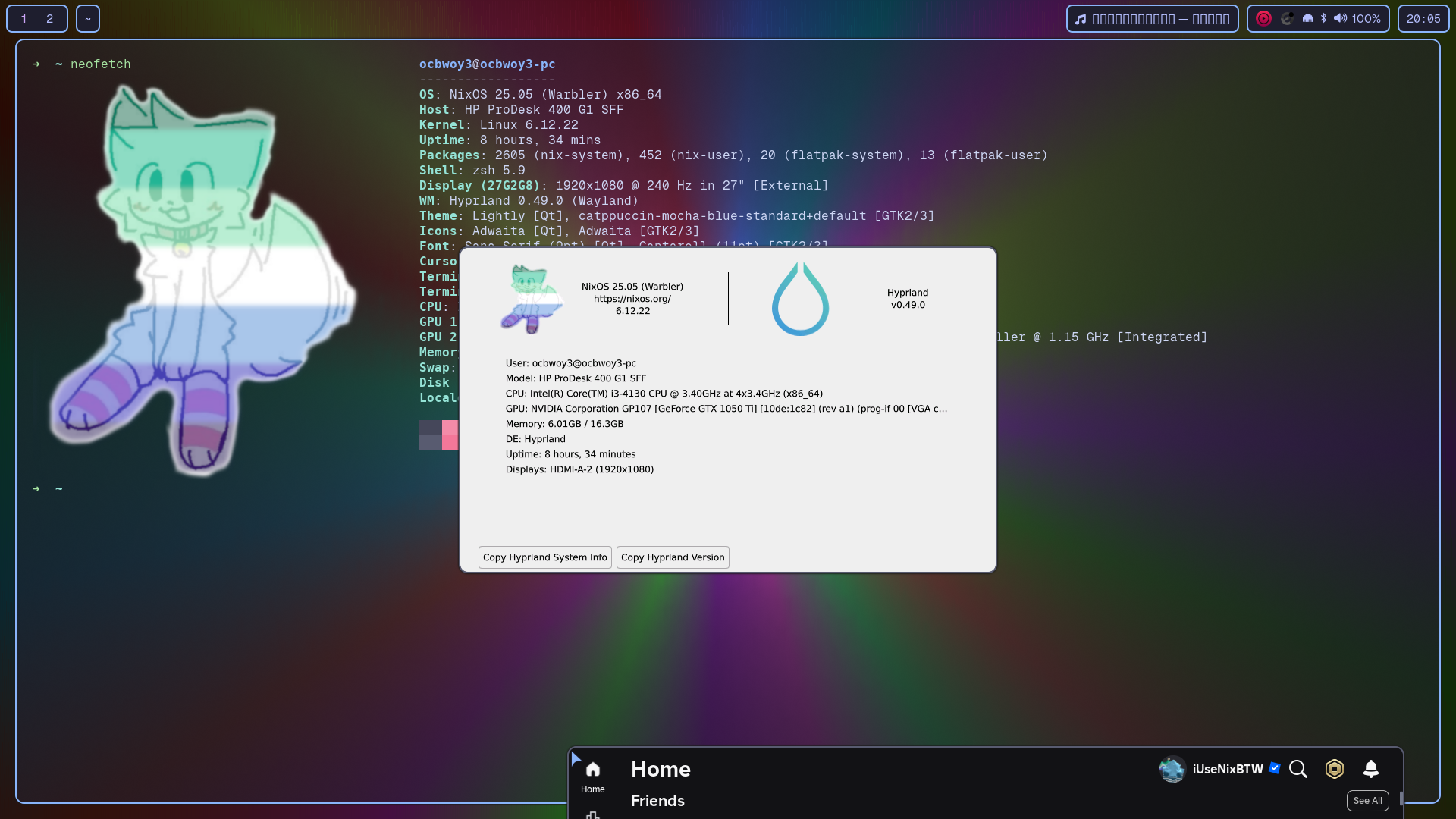
Keybind reference
| Keybind |
What it does |
SUPER+Q |
Terminal |
SUPER+C |
Close current window |
SUPER+E |
File Manager |
SUPER+V |
Toggle Floating |
SUPER+Q |
Terminal |
SUPER+T |
App Launcher |
SUPER+P |
Psuedo |
SUPER+J |
Toggle Split |
SUPER+F |
Fullscreen |
| Keybind |
What it does |
SUPER+RightArrow |
Move Focus (right) |
SUPER+LeftArrow |
Move Focus (left) |
SUPER+DownArrow |
Move Focus (down) |
SUPER+UpArrow |
Move Focus (up) |
| Keybind |
What it does |
SUPER+SHIFT+RightArrow |
Window width +100 |
SUPER+SHIFT+LeftArrow |
Window width -100 |
SUPER+SHIFT+DownArrow |
Window height +100 |
SUPER+SHIFT+UpArrow |
Window height -100 |
| Keybind |
What it does |
SUPER+CTRL+RightArrow |
Swap window pos (right) |
SUPER+CTRL+LeftArrow |
Swap window pos (left) |
SUPER+CTRL+UpArrow |
Swap window pos (down) |
SUPER+CTRL+DownArrow |
Swap window pos (up) |
| Mouse Keybind |
What it does |
SUPER+MouseLeft |
Move window |
SUPER+MouseRight |
Resize window |
SUPER+ScrollUp |
Next workspace |
SUPER+ScrollDown |
Prev workspace |
| Keybind |
What it does |
SUPER+[0-9] |
Switch to workspace X |
SUPER+SHIFT+[0-9] |
Move active window to workspace X |
SUPER+Z |
Special workspace |
SUPER+SHIFT+Z |
Move current window to special Workspace |
| Keybind |
What it does |
SUPER+SHIFT+B |
Reload Waybar |
CTRL+ALT+DEL |
WLogout |
FN+F5 |
Prev music track |
FN+F6 |
Next music track |
FN+F7 |
Play/Pause music |
| Keybind |
What it does |
SUPER+SHIFT+ENTER |
Change wallpaper |
SUPER+F1 |
Hide waybar |
SUPER+F2 |
Roblox Roblox Roblox |
SUPER+Space |
Switch Keyboard Layout (English, Latvian) |
How to install NixOS
- Install base NixOS from the commandline
- Without UI
- Use this disk configuration
-
Create user named 'ocbwoy3'
-
Run this in order:
- Run this inside the
nix-shell
- Reboot, run this in your terminal:
- Add this to
/etc/resolv.conf as root
-
Install Roblox
-
flatpak run org.vinegarhq.Sober, log into your Roblox account.
-
Copy asset overlay content folder to ~/.var/app/org.vinegarhq.Sober/data/sober/asset_overlay
-
You successfully installed it!

